
Introducing DTWorldz Sprite Capture Studio
How DTWorldz turns prepared Blender characters and equipment into fixed-cell layered COLOR/DEPTH sprite atlases and portable JSON manifests.
Aug 31, 20268 min readBy Deniz Traka
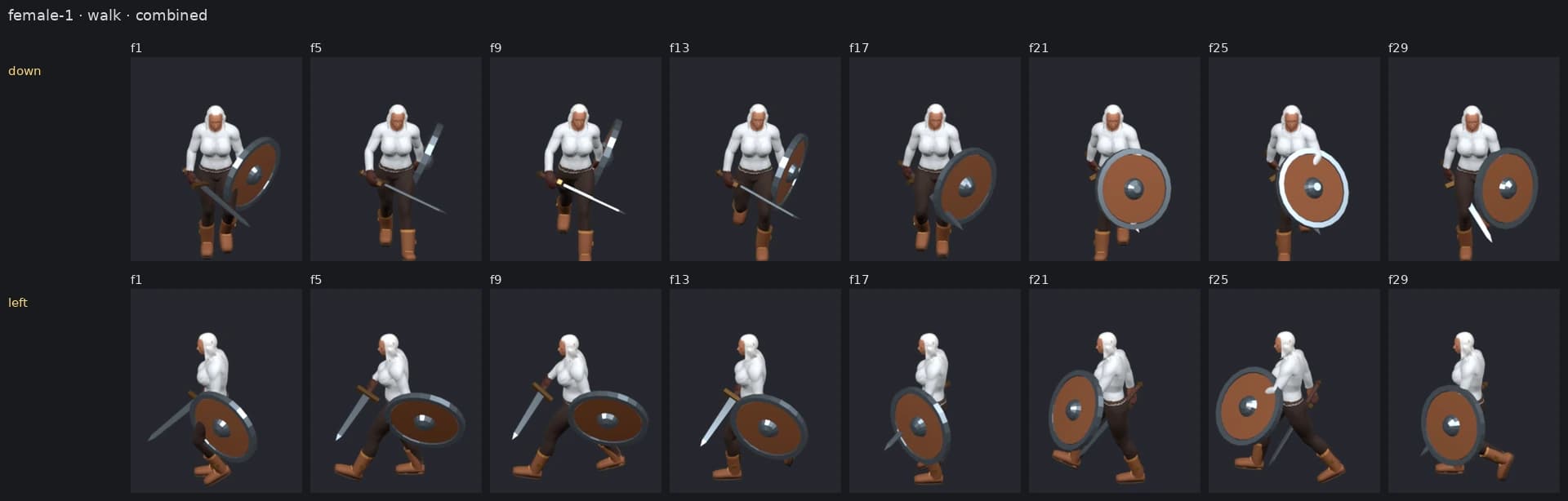
DTWorldz Sprite Capture Studio is a browser production surface for turning prepared Blender-authored character packages into repeatable layered sprite output. It previews a body, action, direction set and equipment combination, then exports fixed-cell PNG atlases with JSON manifests.
Blender remains the canonical authoring source. The browser does not replace rigging, animation, weight painting or equipment preparation; it makes the capture decisions and output easier to inspect.
Why This Workflow Exists
Exporting one sprite sheet is easy. Maintaining a character library is a different problem.
Actions, frame timing, direction order, camera framing, equipment, output cells and pivots must remain compatible as the library grows. A sheet that looks correct by itself can still be unusable if its feet drift between frames, left and right are mirrored incorrectly, or an equipment layer does not align with the body it must composite over.
The Studio turns those hidden assumptions into visible choices. A capture starts from catalog data generated by the independent DTWorldz Blender Sprite Pipeline, rather than from an arbitrary file dropped into a browser. That boundary lets the package carry known actions, compatible equipment and the capture information required to reproduce output.
What Remains Canonical In Blender
The upstream pipeline keeps one canonical humanoid body and armature for each supported body package. Animation clips live as Actions on that skeleton. Equipment is attached or deformed against the same canonical rig instead of bringing a duplicate skeleton into the production scene.
Capture also follows a stable visual contract:
- the character remains at world origin while the camera/light rig handles direction;
- the camera is orthographic;
- cells and foot anchors remain fixed across directions and frames;
- left and right are rendered independently rather than mirrored;
- motion blur and depth of field remain outside the sprite contract;
- transparent output is cleaned and validated before packing.
These choices happen upstream because a browser preview cannot repair a badly weighted sleeve, an inconsistent skeleton or a source action with the wrong rest pose. The Studio assumes that package preparation has already established those facts.
From Character Package To Pixel Output
Inside the Studio, the capture path stays short and deliberate:
- Choose a prepared body package.
- Select an action and a 2, 4 or 8 direction set.
- Assemble the equipment combination to preview.
- Review the 3D scene and pixel-output views.
- Confirm camera, frame, cell, origin and depth choices.
- Export the required layers and manifests.
Independent left and right rendering is important for asymmetric content. A sword, shield, hair shape or damaged garment can reveal different geometry from each side. Mirroring saves work only by discarding that truth.
Direction count is therefore a production choice rather than a quality switch. Two directions can be appropriate for a side-view game. Four can cover a compact top-down character. Eight offer richer turning at the cost of more frames, larger atlases and more combinations to validate.
Why Fixed Cells And Stable Origins Matter
Cropping every frame to its visible bounds makes an atlas smaller, but it also moves the character’s reference point. A raised weapon or one wide animation frame can shift the entire body if the runtime has no reliable origin.
The DTWorldz pipeline uses a fixed output cell and a stable foot anchor. Empty space is accepted as the cost of predictable alignment. Body and equipment layers can then share the same frame rectangle and pivot without runtime compensation for every action.
This also improves debugging. If a boot appears to slide, the team can inspect the source animation, camera and pivot contract instead of wondering whether automatic per-frame cropping moved it.
COLOR And DEPTH Are Separate Outputs
The Studio keeps COLOR and DEPTH atlas output separate because they answer different questions.
- COLOR carries the visible sprite pixels and alpha used for presentation.
- DEPTH carries ordering information that a downstream compositor can use when layered equipment needs to appear in front of or behind the body.
- JSON manifests describe how the exported frames, layers and capture settings belong together.
This is not the same as simply hiding the body and rendering every equipment pixel. An equipment-only silhouette can include pixels that should be occluded by the body. The upstream production contract instead requires visible equipment to respect body depth, while a combined beauty result remains available for comparison.
A central QA idea is straightforward: compositing the reusable body with its visible equipment should match the independently produced combined result within the documented tolerance. When it does not, the pipeline should report the mismatch instead of packing a convincing-looking but incompatible layer set.
Why The Manifest Matters
A PNG cannot explain its own direction order, frame timing, pivot, layer role or source identity. Those facts become guesswork if they live only in a filename convention or someone’s memory.
The JSON manifest travels with the atlases so an importer can read the same contract used during capture. It also creates a useful validation boundary: the number and ordering of declared frames can be compared with the atlas before an engine creates runtime assets.
Portable PNG and JSON output means the next step can be implemented for Unity, Godot or another runtime without putting engine-specific project assets inside the capture Studio itself.
Body, Equipment And Combined Results
Different projects need different levels of layering, so the workflow exposes three useful views:
- body, reusable without the selected equipment;
- equipment, containing the visible equipment contribution for that body and pose;
- combined, the assembled beauty result used directly or as a QA reference.
Some equipment may eventually need authored back/front sublayers—a cloak or long weapon can cross the body in ways one flat equipment layer cannot express. That split is not safe to invent automatically. Camera direction, animation and the actual mesh determine which part belongs where.
The browser workflow therefore helps inspect combinations, but it does not remove the need for visual review. A successful export only proves that files were produced; it does not prove that a sleeve deforms well at an extreme pose or that every weapon reads clearly at game scale.
Sprite Capture Studio Or 2D Ultimate Animator?
DTWorldz has two tools with overlapping sprite-capture language but different production owners.
Use 2D Ultimate Animator when the pipeline lives inside Unity and the desired handoff includes Unity Sprite Libraries, generated Animator Controllers and playable prefabs.
Use DTWorldz Sprite Capture Studio when the canonical character pipeline lives in Blender and the desired handoff is portable layered PNG/JSON output produced through a browser workspace.
The browser Studio is not a lighter edition of the Unity editor tool. It solves a different boundary:
| Workflow question | DTWorldz Sprite Capture Studio | 2D Ultimate Animator |
|---|---|---|
| Canonical authoring source | Prepared Blender pipeline package | 3D models and clips imported into Unity |
| Production surface | Modern desktop browser | Unity Editor |
| Primary handoff | Layered PNG atlases and JSON manifests | Sprite sheets, Sprite Libraries, Animator Controllers and prefabs |
| Engine ownership | Engine-agnostic output | Unity-native downstream assets |
Current Limitations
The Studio is not an AI sprite generator, a general .blend upload service or a replacement for Blender. It consumes prepared catalog packages generated from canonical masters. Character modeling, rig repair, animation retargeting and garment deformation remain authoring tasks.
It is also a production tool rather than a guarantee of good art. Every new body, action and equipment class still needs visual checks at representative frames. Real deforming garments require stronger evidence than a synthetic atlas test, and a valid manifest cannot decide whether an animation feels convincing.
That boundary is intentional. Keeping authoring, capture and runtime integration separate makes failures easier to locate and keeps the exported result reusable.
Try The Studio
Explore the full Sprite Capture Studio product page for the supported workflow and output formats.
When you have a prepared package, launch DTWorldz Sprite Capture Studio. The Studio documentation explains the capture flow and the COLOR/DEPTH output model in more detail.
Continue reading
Nearby notes in the atlas.
Related entries are connected by the systems and world they document.
Jun 17, 2026 · Ashen Hearth
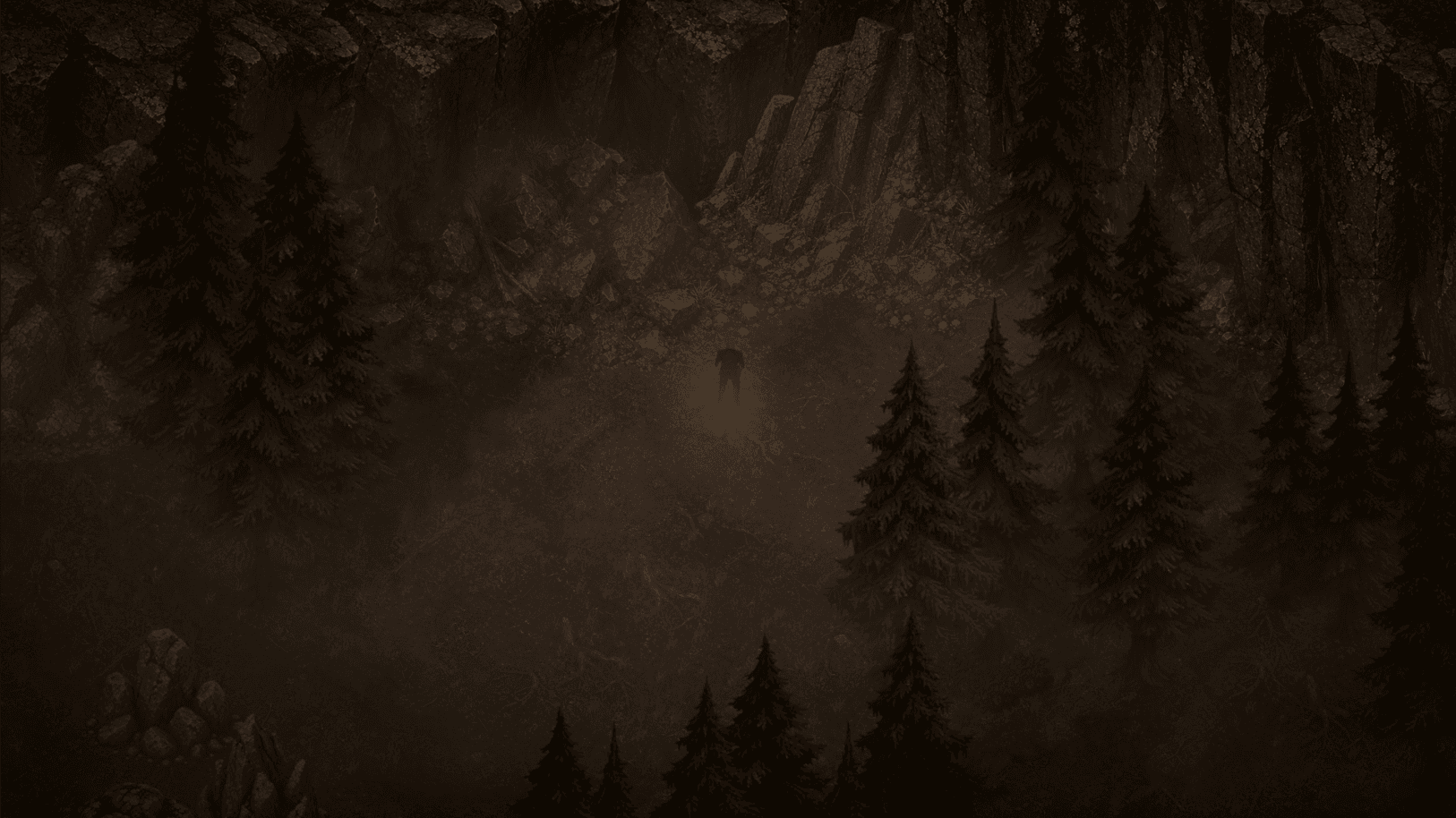
A Fragile Sense of Order
Devlog 01 on the unstable feeling behind Ashen Hearth: scarce resources, passing time, harsh weather and villagers trying to hold the homestead together.
9 min read
Jun 10, 2026 · Ashen Hearth
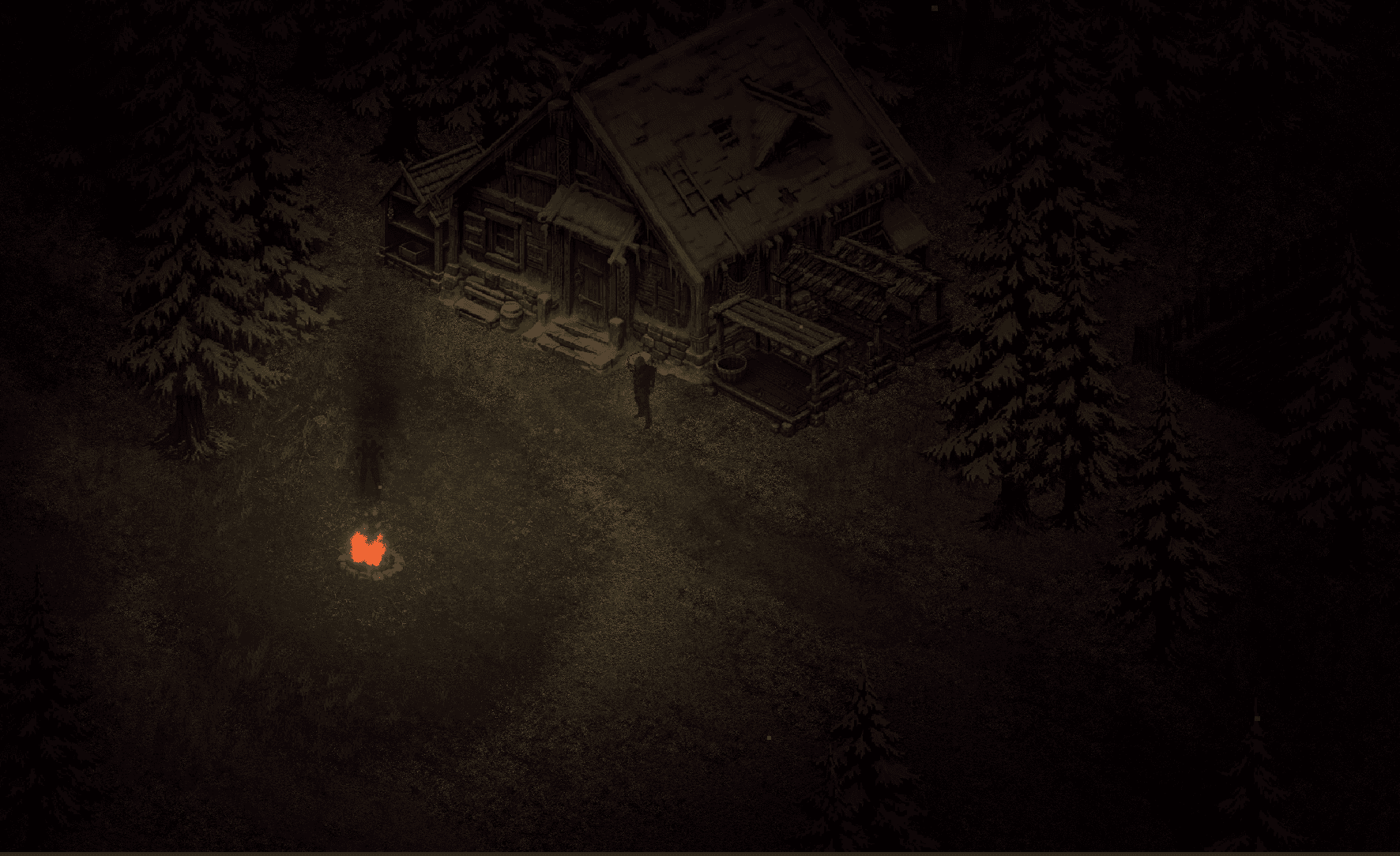
Keeping the Hearth Alive
How Ashen Hearth's campfire design can connect fuel, cooking, warmth and settlement work, informed by a reusable DTWorldz Unity foundation.
6 min read
Jun 9, 2026 · AI
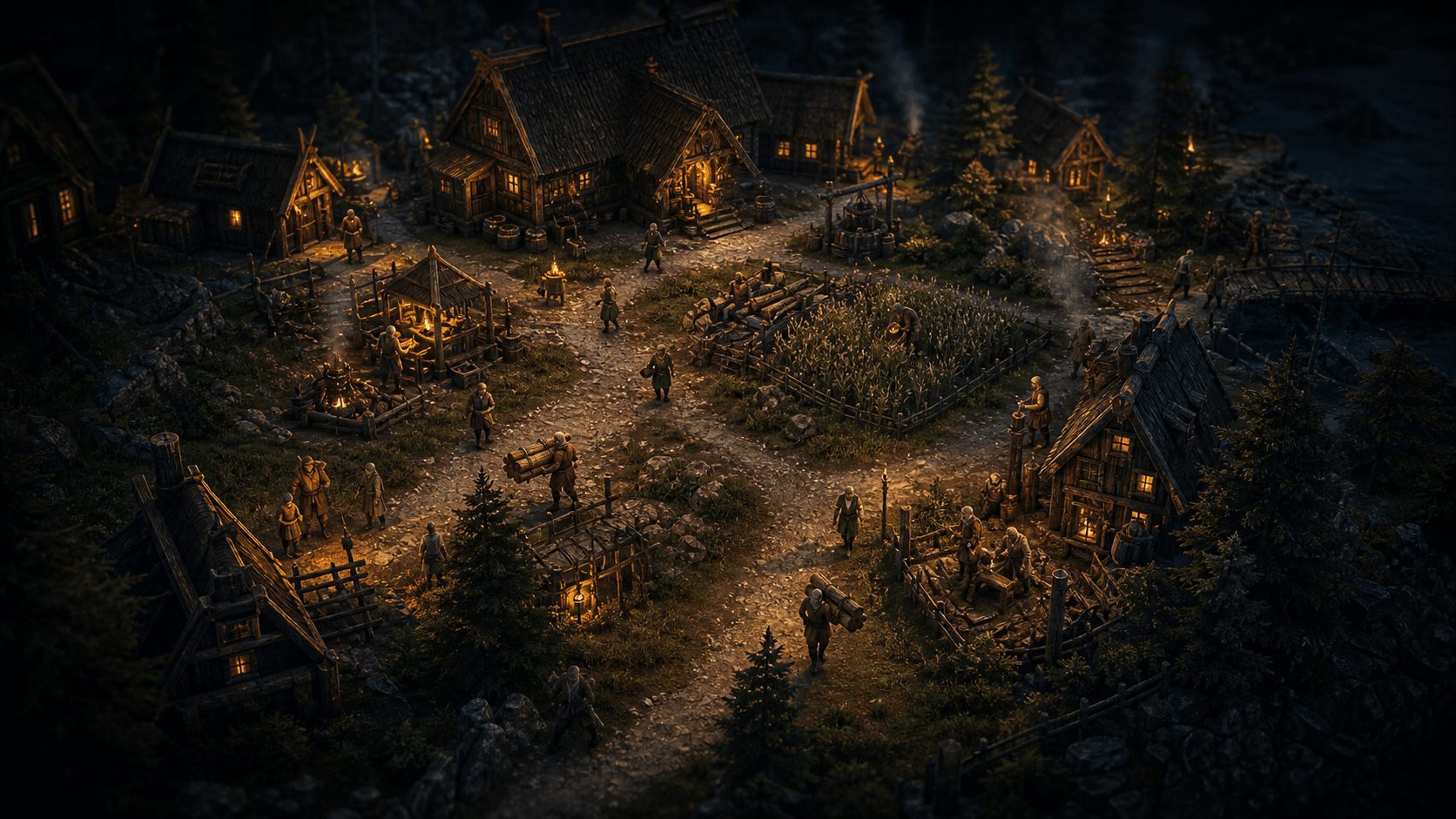
Villagers With Practical Routines
How a reusable DTWorldz Unity GOAP foundation informs Ashen Hearth villager goals, world-state sensors, actions, replanning and known limits.
6 min read